Illustrator tutorial:creating photorealistic illustrations with gradient mesh for beer branding.
Learn to create photo realistic illustrations with Gradient mesh tool in adobe illustrator. If you want to learn UI/UX design, Web design, Mobile app design, Drawing, Sketching, Illustrations, Motiongraphics, Animations and concept art then don't forget to subscribe and click bell icon for regular updates. https://www.youtube.com/channel/UCDjyEn1tTPzRYhuBR9nA7Kw?sub_confirmation=1 In this tutorial you will learn how to create basic shapes and apply gradient mesh on them to create mesh and how to give different colors to individual vertices of the mesh and how to use blend option to create photo realistic vector illustrations
Illustrator tutorial:creating photorealistic illustrations with gradient mesh for beer branding.
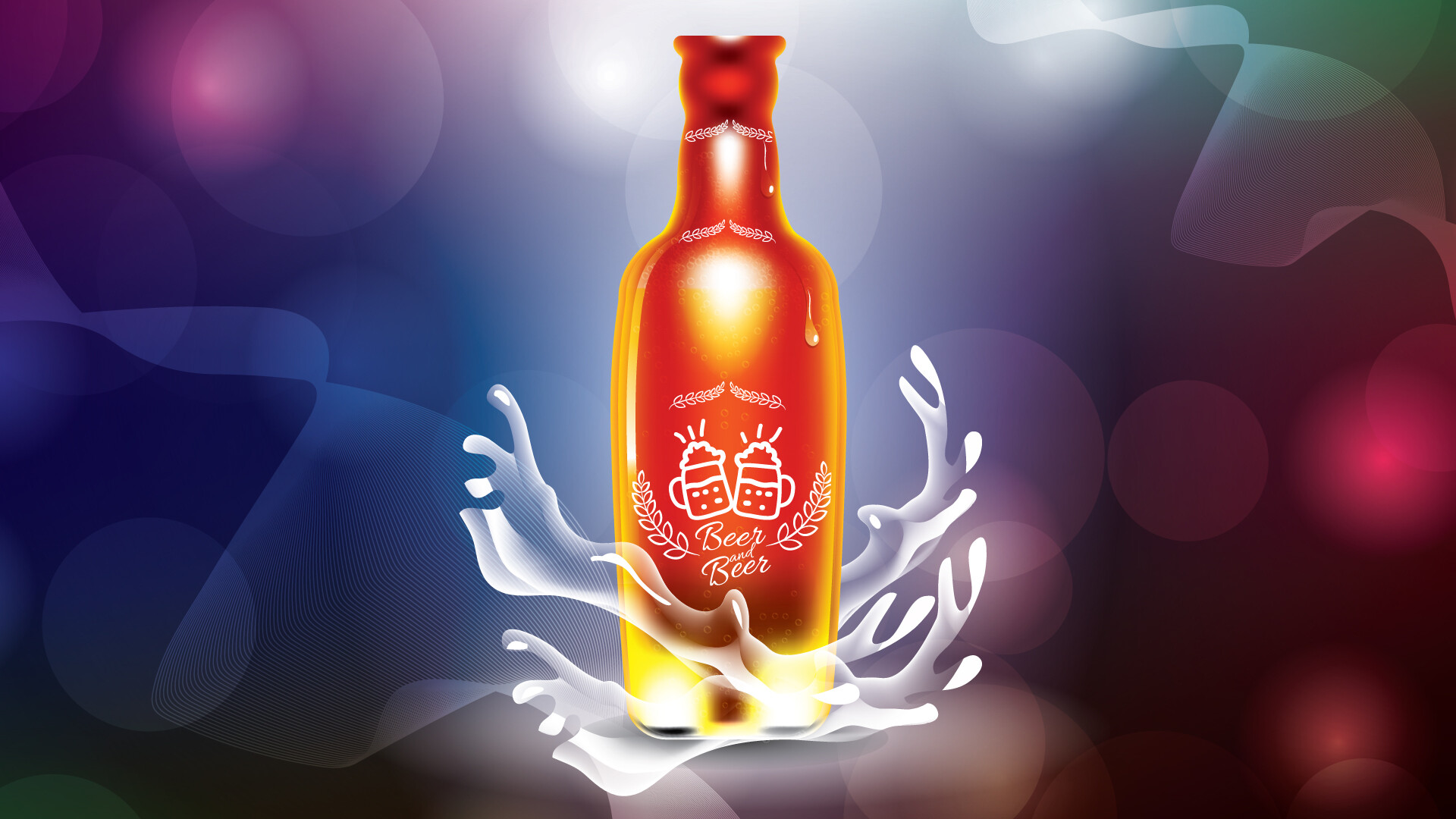
Illustrator tutorial:creating photorealistic illustrations with gradient mesh for beer branding.

Illustrator tutorial:creating photorealistic illustrations with gradient mesh for beer branding.